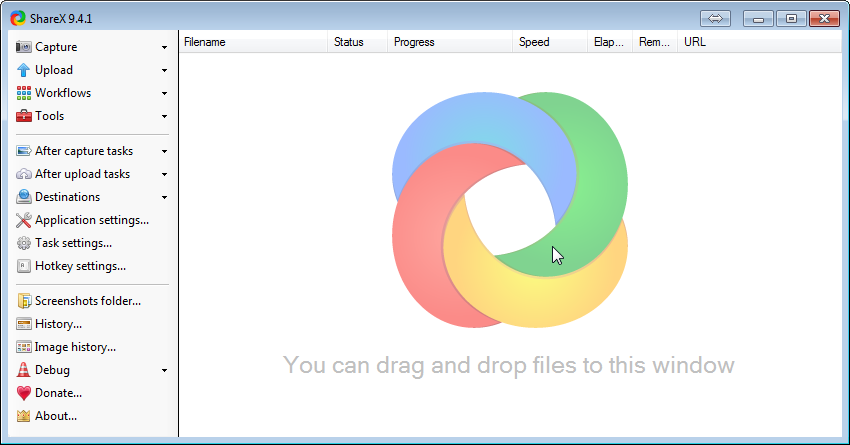
A few days back, I stumbled into a superb screen capture program called ShareX. You can download it here: http://getsharex.com/. If you are curious with its source code, you can view/contribute at GitHub.
ShareX has so many capture mode:
Select actions to do after capture the image:
Change output folder
Application Settings -> Paths:
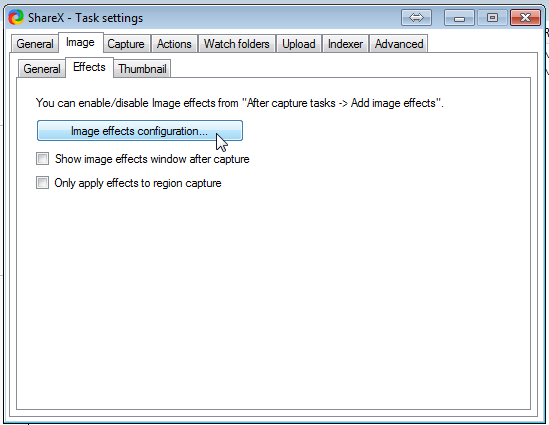
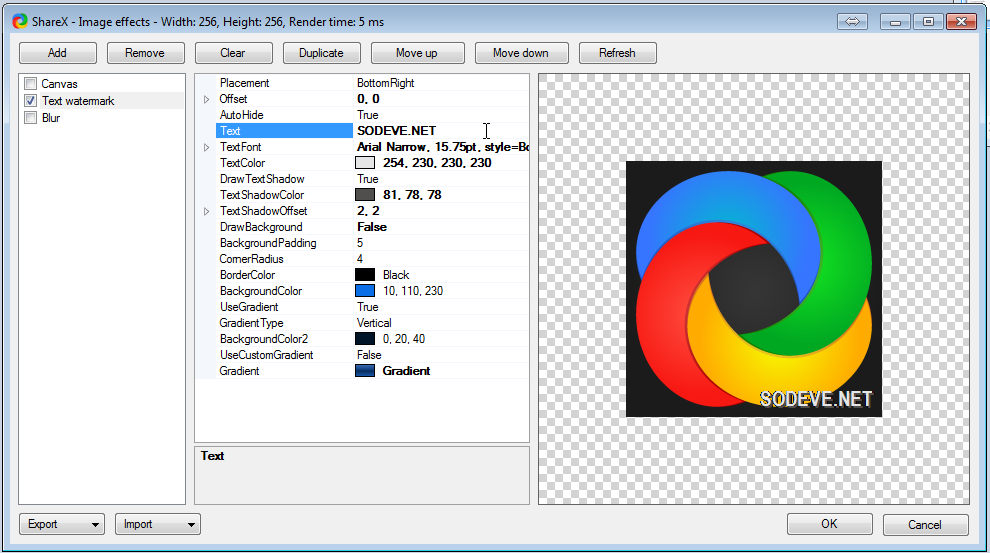
Change Watermark
Task Settings -> Image -> Effects
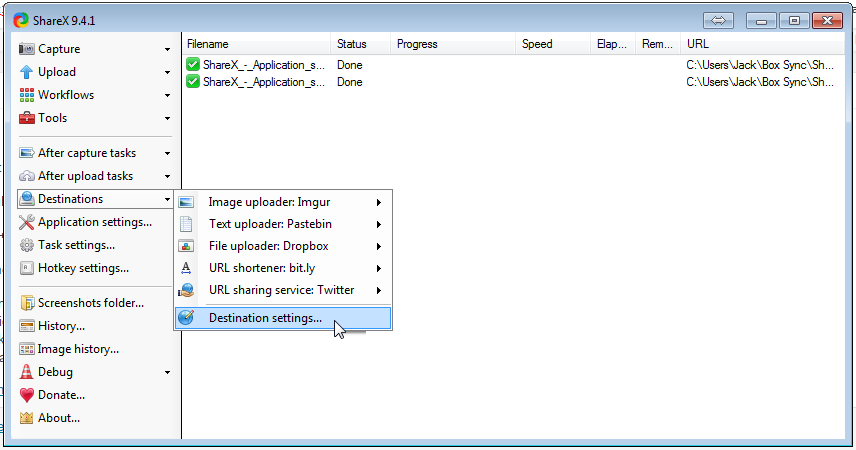
To me, what makes ShareX really stand-out is it’s upload capability. So many destinations available for uploading
What I haven’t figure out is how to make ShareX upload to WordPress blog. That would save me a few minutes every time I blog. I shall investigate it in another blog post. 😀
I hope it helps, cheers!
About Hardono
Howdy! I'm Hardono. I am working as a Software Developer. I am working mostly in Windows, dealing with .NET, conversing in C#. But I know a bit of Linux, mainly because I need to keep this blog operational. I've been working in Logistics/Transport industry for more than 11 years.
I guess this is a continuation of my previous post. So yesterday I officially opened up the reverse proxy to public. Here’s the steps I took:
Add the sub-domain name in our nameserver, pointing it out to one of our public IP
Update the Firewall to ensure the public IP is translated to the NGINX IP address
Update NGINX configuration
Everything runs smoothly except step 1. After 24 hours, the DNS correctly propagated to M1, StarHub and the rest of the Internet. But it didn’t propagated to the SingTel’s network. My colleagues which are subscribing to M1 and StarHub able to resolve the new sub-domain. One colleague which is under SingTel couldn’t. I found rather ironic, since our ISP is actually SingTel! 😛
As of the NGINX configuration, open /etc/nginx/sites-enabled/default then add something similar to below
Yes, as simple as that. If you are interested to learn more about NGINX, you should start by reading Martin’s post.
About Hardono
Howdy! I'm Hardono. I am working as a Software Developer. I am working mostly in Windows, dealing with .NET, conversing in C#. But I know a bit of Linux, mainly because I need to keep this blog operational. I've been working in Logistics/Transport industry for more than 11 years.
I picked up this book from National Library recently. After finishing it, I felt regret. Regret that I didn’t read this book much earlier.
What I learned from this book, mostly:
Dealing with “Not-Invented-Here” syndrome (which I’m still battling now)
Test-Driven Development, I knew it since my internship with Deutshce Bank, then I completely forgot about it, and now I know I need it
Continuous Integration, I’ve heard of it, I should get my hands dirty with it
I think this book is really good for a programmer who’ve done a few projects, and ready to upgrade their skills.
About Hardono
Howdy! I'm Hardono. I am working as a Software Developer. I am working mostly in Windows, dealing with .NET, conversing in C#. But I know a bit of Linux, mainly because I need to keep this blog operational. I've been working in Logistics/Transport industry for more than 11 years.